Christmas Money Command Center – 3-in-1 Christmas Budget Bundle
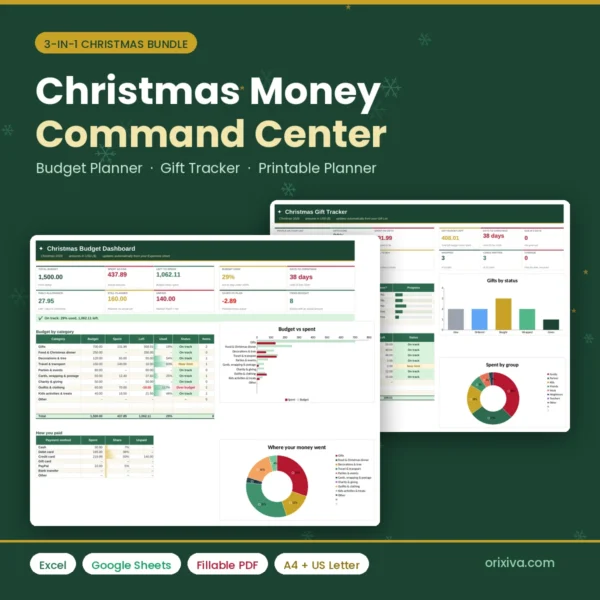
This bundle gives you everything you need to plan Christmas money in one place: a Christmas Budget Planner and a Christmas Gift Tracker for Excel and Google Sheets, plus a fillable printable Christmas Money Planner in A4 and US Letter. Set one budget, log what you buy, and the dashboards show what is left, how many days you have and where you are overspending – before it becomes a January problem.
What you can do with it
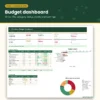
Know what is left every day: the budget dashboard shows spent, left to spend, % used, days to Christmas and a daily allowance (money left ÷ days left).
Catch overspending early: each category is marked On track, Near limit (90%+) or Over budget, with a clear warning bar at the top.
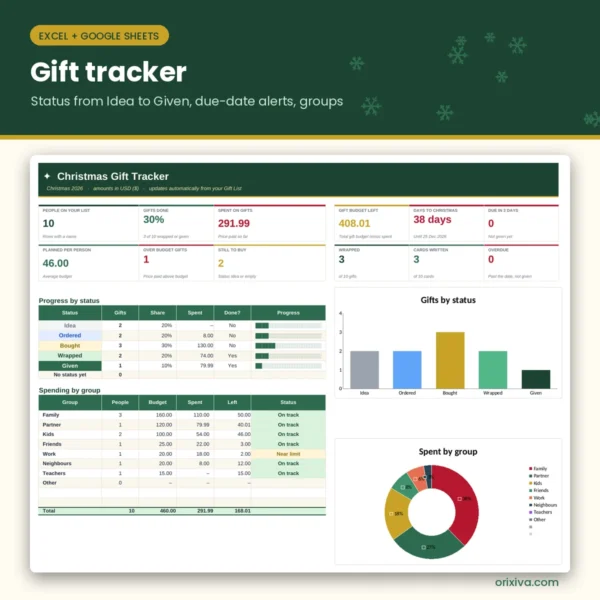
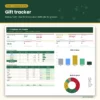
Never forget a gift: move each gift from Idea → Ordered → Bought → Wrapped → Given. Dates turn gold 3 days before and red when a gift is late.
Spend fairly: see budget and spend per group (Family, Kids, Friends, Work, Teachers and more) and per person.
Compare with last year: type last Christmas’s spending and see which categories went up or down.
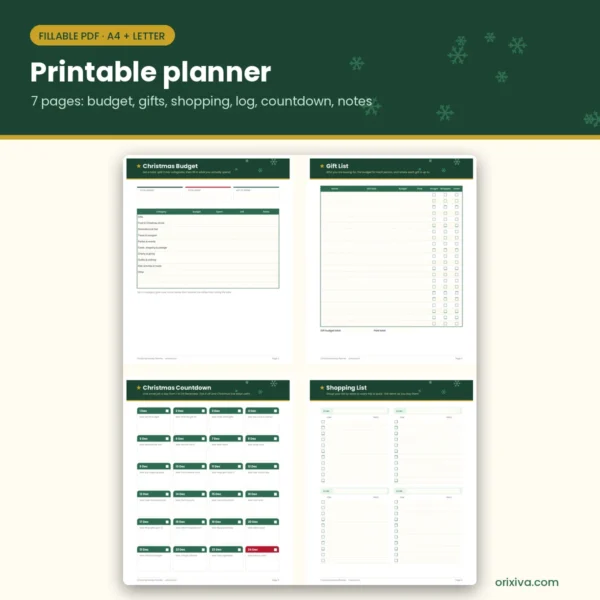
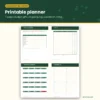
Plan on paper too: print the 7-page planner or type straight into it on screen.
How it works
How the Christmas Money Command Center works, step by step.
Set your total budget, currency label and up to 12 categories.
Log purchases on Expenses and people on the Gift List.
Check the dashboards: totals, alerts and charts update by themselves.
Print the planner for shopping trips, the countdown and notes.
What’s included
Christmas Budget Planner (.xlsx): Start Here, Dashboard with 10 live KPIs and 2 charts, Setup with 12 categories, Expenses log with 300 rows, payment-method summary and Year vs Year comparison
Christmas Gift Tracker (.xlsx): Dashboard with 12 KPIs and 2 charts, Gift List for 150 people, 5 gift statuses, group spending, due-date alerts and a Gift Ideas Bank
Christmas Money Planner (fillable PDF, A4 + US Letter): cover, budget, gift list, shopping list by store, spending log, 24-day Christmas countdown, notes and memories
Read-me guide with steps for Excel, Google Sheets and PDF readers
Who it is for
Families, parents, couples, students and anyone who wants a calm, debt-free Christmas. It works in any currency, so it suits buyers in the USA, UK, Canada, Australia, Europe and everywhere else.
File details
Format: 2 .xlsx workbooks + 2 fillable PDFs (A4 and US Letter) in one ZIP
Works in: Microsoft Excel 2016 or newer, Microsoft 365, Excel for Mac, Google Sheets and LibreOffice; any PDF reader for the planner
No macros: plain formulas only, so it opens safely on any device
Free sample: a smaller version of all 3 products, so you can test them first
Delivery: instant download after checkout, also sent by email
Frequently asked questions
Does it work in Google Sheets?
Yes. Upload the .xlsx file to Google Drive and open it with Google Sheets. Drop-downs, colours, formulas and charts carry over.
Can I use my own currency?
Yes. The amounts work with any currency. Type your currency label (for example GBP £ or EUR €) on the Setup tab and it shows on the dashboards.
How is the daily allowance worked out?
It divides the money you have left by the number of days until 25 December, using today’s date, so it changes each day you open the file.
Can I type into the PDF planner?
Yes. All boxes and tick boxes are fillable in Adobe Acrobat Reader, Microsoft Edge, Chrome and Preview. You can also print it and write by hand.
Can I reuse it next Christmas?
Yes. Change the year on Setup, clear the example rows and use Year vs Year to compare with this Christmas.
Share how you use it
Bought this bundle? Leave a review below with one tip from your own Christmas plan, such as a category you added or how you split the gift budget. Real tips from buyers help the next family decide, and we read every review when planning updates.








Reviews
There are no reviews yet.