Try our free AI tools – no sign-up needed!

Your digital toolbox
What would you like to get done?
Explore free tools, online utilities and smart calculators, all in one place. Pick a category and find the right tool for your next task.
Everyday productivity
Free Orixiva Tools
Useful online utilities to help you create, convert, edit and work more efficiently—without a complicated workflow.
Image ToolsText ToolsConvertersDeveloper Tools
Explore everyday utilities
Explore Free Tools
Fast, practical answers
Calculators Tools
Calculate percentages, budgets, loans, health metrics, business figures and more with easy-to-use online calculators.
MathFinanceHealthBusinessEngineering
Get results in a few clicks
Explore Calculators
Popular Free Tools
Edit images and video, convert files and check your website, all from your browser. Most tools process your files on your own device, so nothing is uploaded.
AI Background RemoverTransparent PNG cutouts in seconds
Image ResizerResize, compress and convert images
Image to GIF MakerTurn photos into an animated GIF
Online Video EditorFive-track timeline with MP4 export
File ConverterPDF, Word, Excel and image tools
SVG ConverterPNG to SVG, icon editor and favicons
Barcode GeneratorEAN-13, QR, Data Matrix and more
SEO ToolsOn-page SEO checks for any page
Developer ToolsJSON, API, CSV and code utilities
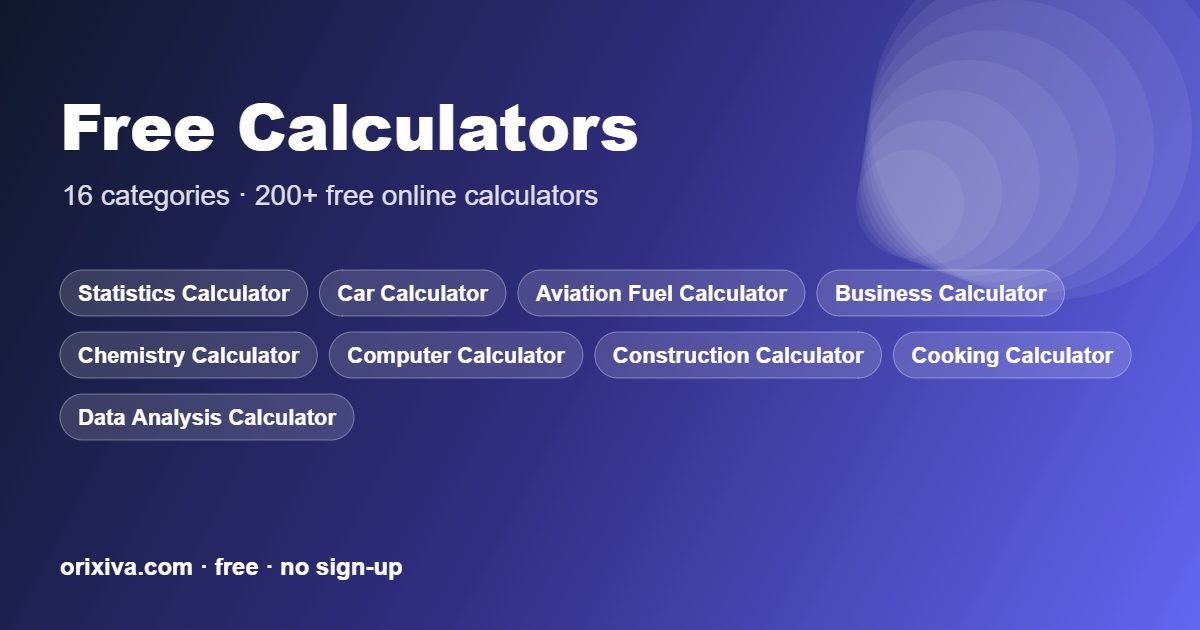
Online Calculators by Category
Get quick answers for money, health, school and work. Most calculator pages also explain the formula, so you can check the result yourself.
Financial CalculatorsLoans, savings, interest and budgets
Business CalculatorMargins, pricing and break-even
Fitness CalculatorBMI, body fat, calories and TDEE
Scientific CalculatorTrigonometry, logs and powers
Statistics CalculatorMean, deviation, t-tests and more
Unit ConverterLength, weight, volume and temperature
Cooking CalculatorCups to grams and recipe scaling
Date CalculatorDays between dates and age
Car CalculatorFuel cost and EV running cost
AI API Cost CalculatorGPT, Claude and Gemini token costs
Dimensional Weight CalculatorUPS, FedEx, USPS and DHL DIM weight3D Printing Cost CalculatorFilament, resin, power and selling priceSubscription Cost CalculatorTrack subscriptions and find savingsAmazon FBA Profit CalculatorAmazon, Shopify and Etsy fees and marginYouTube Earnings CalculatorYouTube CPM, Shorts and engagement rate
See the full list on our calculators page, including construction, electrical, chemistry, computer and data analysis calculators.
Frequently Asked Questions
Are Orixiva tools and calculators free?
Yes. Every tool and calculator on Orixiva is free to use, with no account and no trial.
Do I need to sign up or install anything?
No. Open any tool in your browser and start. It works on Windows, Mac, Linux, Android and iPhone.
Are my files safe?
Most Orixiva tools process files inside your browser, so they are not uploaded to our server. Read more on our client-side processing page.
Where can I learn how to use the tools?
Each tool page has a short guide, and our blog has step-by-step tutorials for the most popular tasks.
Free tools for everyday work: a quick guide
This page collects every free tool on Orixiva in one place. Whether you need to cut out a photo, send an invoice, check a web page or work out a loan payment, there is a tool for it. All of these free tools open in your browser, need no account and work on phones as well as computers.
Below you will find what each group of free tools does, which one to pick for common tasks, and a few tips to get better results. Every section links straight to the tool, so you can start right away.
How to choose the right free tool
Start with the job you need to do. This table matches common tasks to the best free tools on the site.
| I want to… | Use this free tool |
|---|---|
| Remove the background from a photo | AI background remover |
| Make an image smaller or a different size | Image resizer |
| Turn photos into an animation | Image to GIF maker |
| Trim and join video clips | Online video editor |
| Convert PDF, Word, Excel or images | File converter |
| Make a logo or icon into SVG, or create a favicon | SVG converter |
| Send a professional invoice or quote | Invoice generator |
| Plan tasks or a project | Checklist maker |
| Print product barcodes or QR codes | Barcode generator |
| Check a page for SEO problems | SEO tools |
| Format JSON or test an API | Developer tools |
| Plan study time or work out a GPA | Student and teacher toolkit |
| Calculate money, health or maths results | Free calculators |
Free tools for images and video
Photos and short videos are part of almost every job now, from a shop listing to a school project. These free tools handle the most common edits without a heavy app.
AI background remover
Upload a JPG, PNG or WebP photo and the background remover cuts out the subject with AI and gives you a transparent PNG. You can also place the cutout on white or any colour. It is ideal for product photos, profile pictures and logos.
Image resizer
The image resizer changes the width and height of a picture, compresses it and converts it to another format. Use it before uploading images to a website, a form with a size limit or an email.
Image to GIF maker
Add a few photos, set the speed and order, and the GIF maker creates a looping animation. Our guide on how to make a GIF from photos shows seven easy ideas.
Online video editor
The video editor has a timeline for clips, text and music, and exports MP4. It is enough for short social videos, tutorials and family clips.
SVG converter and favicon maker
Turn a PNG logo into a scalable SVG, edit icons, and create favicon files for your website with the SVG converter.
Free tools for documents, files and small business
Paperwork takes time away from real work. These free tools make the usual documents quick and tidy.
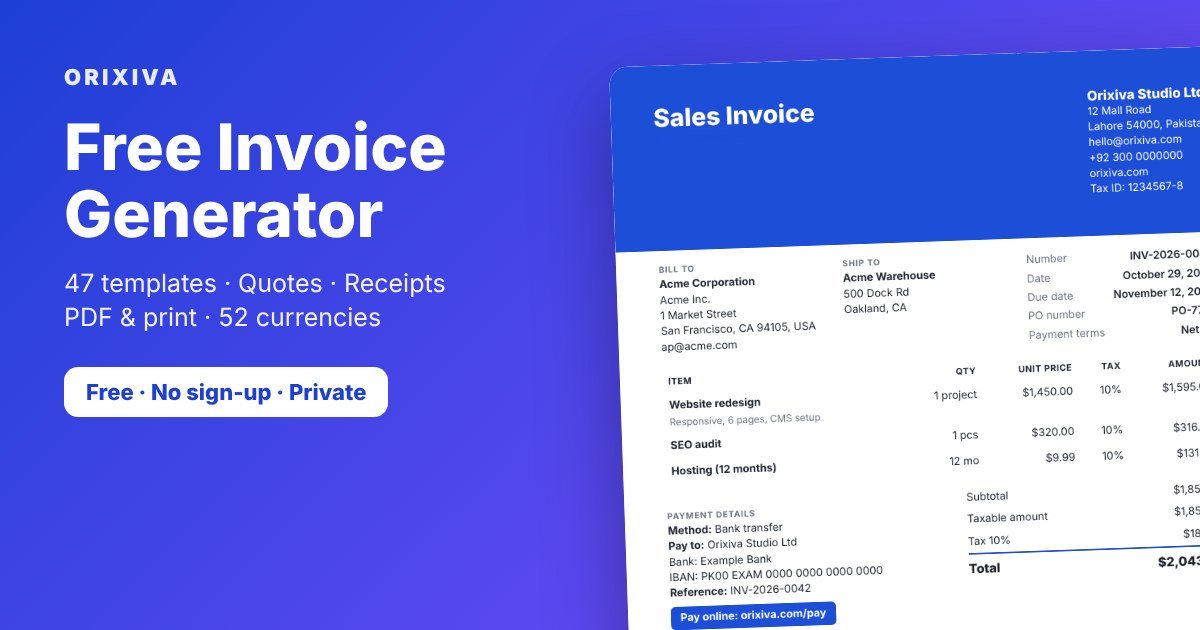
- Free invoice generator: create invoices, quotes, receipts and credit notes with 47 templates and 52 currencies, then save a PDF. See our step-by-step guide on how to make an invoice.
- File converter: merge and split PDFs, convert documents and images, and extract text.
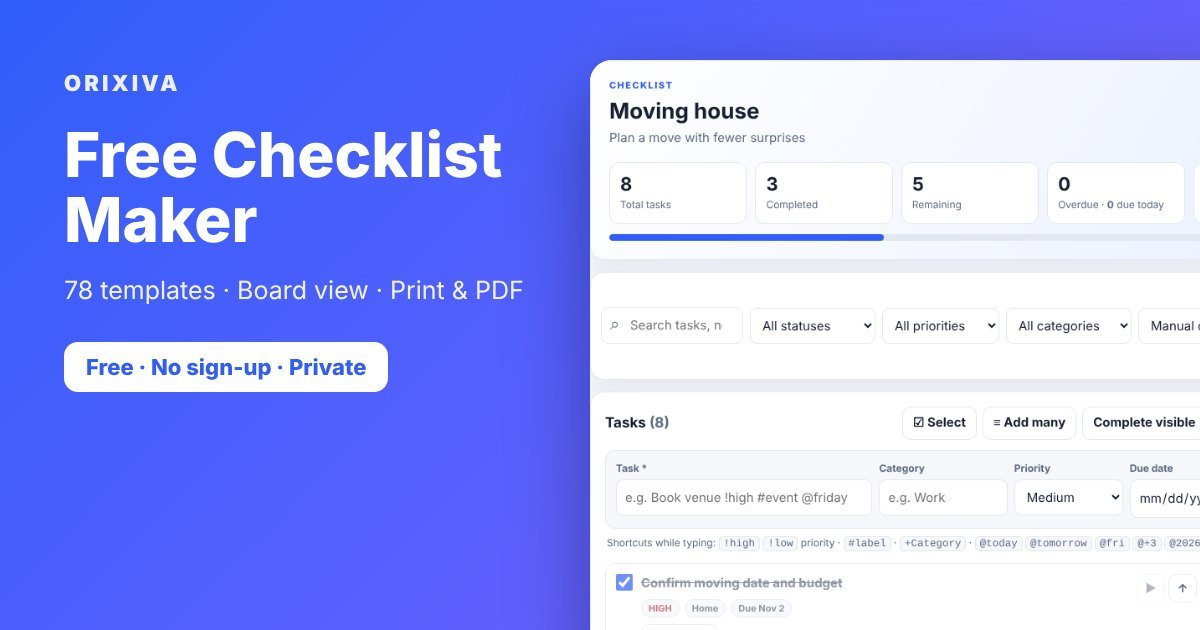
- Checklist maker: start from 78 templates, track tasks on a board and print a clean PDF.
- Barcode generator: make EAN-13, UPC, Code 128, QR and Data Matrix codes for labels and packaging.
- Business calculators: work out margins, mark-ups, break-even points and prices.
Free tools for developers and SEO
The developer tools page holds 38 utilities for JSON, CSV, YAML, APIs, hashing and encoding, which you can chain into one workflow. The SEO tools check titles, descriptions, headings, links and other on-page signals. If you are new to SEO, our on-page SEO checklist explains each check in plain words.
Free calculators for money, health, study and work
Calculators are some of the most used free tools on Orixiva. Each calculator page explains the formula, so you can see how the answer was worked out.
- Financial calculators for loans, mortgages, savings, interest and budgets.
- Health and fitness calculators for BMI, body fat, calories and TDEE.
- Scientific calculator and statistics calculators for school and university.
- Unit converter for 14 types of measurement, and a cooking calculator for cups to grams.
- Date and time calculators for age, days between dates and work hours.
- Construction calculators, electrical calculators and chemistry calculators for technical work.
- Special calculators for sellers and creators, such as the Amazon FBA profit calculator, YouTube earnings calculator and AI API cost calculator.

Free tools for students and teachers
Students and teachers can do a lot with free tools. The student and teacher toolkit includes a study planner, quiz maker and GPA calculator. Add the checklist maker for assignments, the statistics calculators for research projects and the scientific calculator for homework. Because nothing needs an account, these free tools also work well on shared classroom computers.
Why our free tools run in your browser
Many free tools online upload your files to a server. Most Orixiva tools do the work inside your own browser instead, using standard web features such as the File API. Your photo, document or data stays on your device, which is faster and more private. You can read the details on our client-side processing page.
We also try to make every page easy to use for everyone, following the ideas in the Web Content Accessibility Guidelines: clear labels, keyboard support and readable text.

Free tools for creators and marketers
Content creators juggle images, video, captions and numbers every day. A simple set of free tools covers most of that work. Cut yourself out of a photo with the background remover for a thumbnail, trim a clip in the video editor, and turn a few frames into a GIF for a quick teaser. Before you publish a blog post or landing page, run it through the SEO tools to check the title, description and headings.
Numbers matter too. The YouTube earnings calculator estimates income from views and CPM and works out engagement rate, while the AI API cost calculator helps if you use AI services to write captions or scripts. Our guide on making Shorts, Reels and TikToks for free shows how to combine these free tools into one simple workflow.
5 quick wins with free tools for developers
- Fix broken JSON fast. Paste it into the JSON formatter to find the exact line with the error. Our article on how to fix invalid JSON lists the ten most common mistakes.
- Turn an API response into a spreadsheet. Chain an API request with JSON to CSV, then open the file in Excel or Google Sheets.
- Debug a token. Decode a JWT to read its header and claims without sending it to another website.
- Plan a network. Work out subnets with the computer and IT calculators, and read subnetting made simple if CIDR is new to you.
- Make icons for a project. Convert a logo to SVG and create a favicon set with the SVG converter.
Each of these jobs takes a minute or two with free tools, and because the processing happens in your browser, test data and tokens stay on your machine.
Free tools vs paid software: when is free enough?
Paid software is worth it when you do the same complex job all day, need team accounts, or must connect to other business systems. For most everyday tasks, free tools are enough. A freelancer sending ten invoices a month, a student checking a statistics answer or a shop owner cutting out a few product photos does not need a monthly subscription.
| Situation | Free tools are usually enough | Consider paid software |
|---|---|---|
| Invoices | A few clients, PDF invoices by email | Automatic bank matching, many staff users |
| Images | Cutouts, resizing, simple GIFs | Daily professional retouching |
| Video | Short clips for social media | Long films, colour grading, multi-camera |
| Data and code | Formatting, converting, quick API tests | Large automated pipelines |
| Calculations | Planning, homework, quick checks | Audited financial or engineering reports |
A good rule: try the free tools first. If you hit a real limit again and again, that is the moment to pay for something bigger, and you will know exactly which feature you need. Our subscription cost calculator can show how much the apps you already pay for cost each year.
A weekly routine with free tools for small businesses
Here is how a small online shop might use free tools in a normal week:
- Monday: photograph new products, remove the backgrounds and resize the images for the shop.
- Tuesday: create barcode labels for the new stock and update the product checklist.
- Wednesday: check the shop's new product pages with the SEO tools and fix missing titles or descriptions.
- Thursday: use the Amazon FBA profit calculator or business calculators to check margins before setting prices.
- Friday: send invoices to wholesale customers, record payments and make receipts.
None of these steps needs an account or an install, and the whole routine costs nothing. Swap in the free tools that match your own work.
More questions about our free tools
Are these free tools really free, with no trial?
Yes. There is no trial period and no account to create. You can use the tools as often as you like.
Do free tools work on a phone?
Yes. Every page is built to work on small screens. Big files and long videos are faster on a computer, because all the work happens on your device.
Can I use the results for business?
Yes. Invoices, images, barcodes and other files you create are yours to use. Make sure any photos or logos you upload are yours or that you have permission to use them.
Why are some free tools slow the first time?
Tools that use AI or large libraries download them on the first visit. After that your browser caches them, so later visits are faster.
Will you add more free tools?
Yes. New tools and calculators are added over time. Check this page or the blog to see what is new.
What you need to use these free tools
Very little. Any recent version of Chrome, Edge, Firefox or Safari will do, on Windows, Mac, Linux, Android or iPhone. You do not need to install an app, create an account or add a browser extension. A normal internet connection is enough to open a tool; after that, most of the work happens on your own device.
A few free tools need more power than others. The AI background remover and the video editor use your device's memory and processor, so very large photos or long videos run faster on a computer than on an older phone. If a tool feels slow, close other tabs, use a smaller file, or try again on a desktop.
If a result ever looks wrong to you, please send the inputs you used through the contact page so the tool can be checked and fixed. Clear feedback from real users is what keeps these free tools accurate and easy to use, and every tool page has a short guide that explains how the result is worked out.
7 tips to get more from free tools
- Bookmark the tools you use often. They open in a second next time.
- Save your work. Tools that store data keep it in your browser, so download a backup or PDF when you finish.
- Use a current browser. Chrome, Edge, Firefox and Safari all work well.
- Start with the example values. Many tools fill in an example so you can see how they work.
- Chain free tools together. For example, remove a background, resize the image, then add it to an invoice.
- Check important results. Calculators are for planning; confirm tax, legal or medical decisions with a professional.
- Read the guides. Our blog has step-by-step tutorials for the most popular free tools.
Have an idea for a new tool, or found a problem? Tell us through the contact page. We keep adding and improving free tools, and suggestions from people who use them are the best guide.