This assignment tracker is an Excel and Google Sheets template for high school, college and university students. List every assignment once with its due date, then update the status as you go. The tracker flags what is due in the next 7 days and what is overdue, and it averages your grades for each course.
What you can do with it
See what is due next: assignments due within 7 days are marked Due soon.
Never miss a deadline: past-due work is flagged as Overdue in red.
Track grades: type your grade and see your average per course.
Measure progress: the Dashboard shows % complete for the whole semester.
Plan by type: homework, quizzes, exams, essays, projects and readings.
How it works
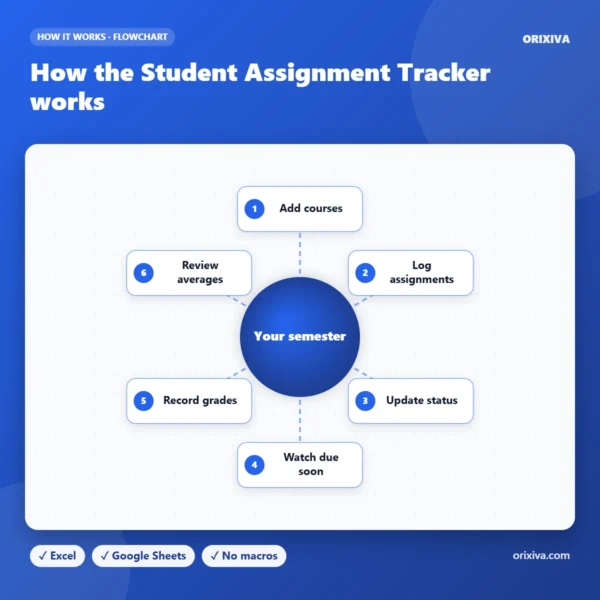
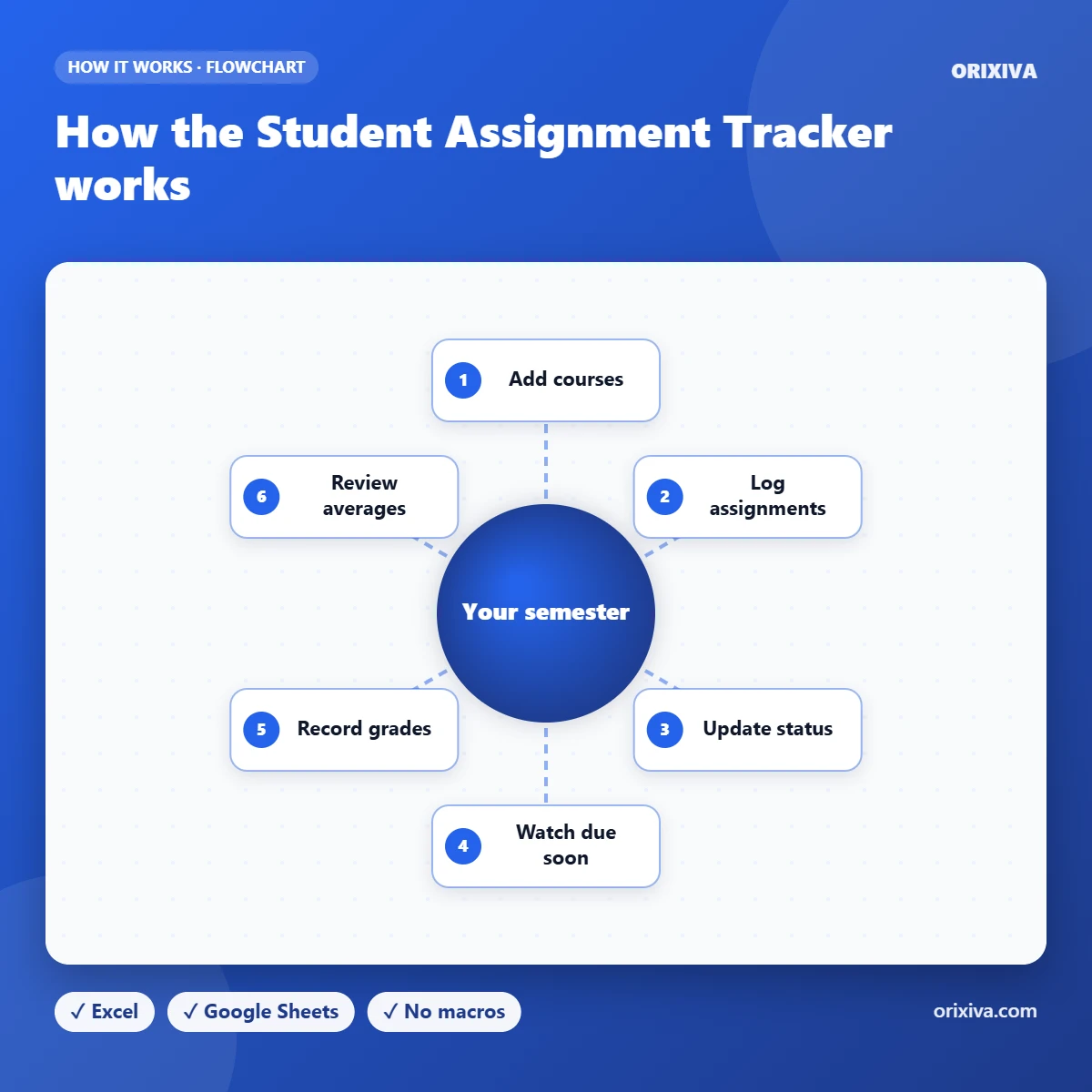
How the Student Assignment Tracker works, step by step.
Add your courses.
Add assignments with due dates.
Update the status as you work.
Record grades and check the Dashboard weekly.
What’s included
Start Here: setup steps and colour guide
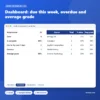
Dashboard: semester summary and course table
Assignments: up to 200 assignments
Courses: up to 12 courses
Who it is for
High school, college and university students, homeschool families and parents who help their kids stay organised.
File details
Format: .xlsx workbook with 4 tabs, room for 200 assignments and 12 courses
Works in: Microsoft Excel 2016 or newer, Microsoft 365, Excel for Mac and Google Sheets (File > Import)
No macros: plain formulas only, so it opens safely on any device
Free sample: a 3-entry version with the same formulas, so you can test it first
Delivery: instant download after checkout, also sent by email
Frequently asked questions
Does the assignment tracker work in Google Sheets?
Yes. Import it into Google Sheets to use it on your phone, laptop or school Chromebook.
How are grades averaged?
The tracker averages the grades you enter for each course. Leave the grade empty until you get it back.
What does Due soon mean?
The assignment is not done and is due within the next 7 days.
Can I use it for more than one semester?
Make a copy of the file for each semester, or clear the assignments and start again.
Can parents use it?
Yes. Share the Google Sheets version so a parent or tutor can see upcoming deadlines.
Share how you use it
Bought this assignment tracker? Leave a review below with one tip from your own setup, such as a column you added or how often you update it. Real tips from buyers help the next person decide, and we read every review when planning updates.
Licence
For personal use or use in one business. Please do not resell, share or redistribute the file.
Reviews
There are no reviews yet.
Be the first to review “Student Assignment Tracker – Excel & Google Sheets Homework and Grade Planner”Cancel Reply
Questions about this template
Does it work in Google Sheets?+
Yes. Open it in Microsoft Excel, or upload it to Google Sheets.
Is it a subscription?+
No. You pay once and keep the file.
How do I get my file?+
A download link appears right after checkout and is also sent to your email.
Can I edit it?+
Yes. Change labels, categories and colors to fit your needs.









Reviews
There are no reviews yet.