Try our free AI tools – no sign-up needed!

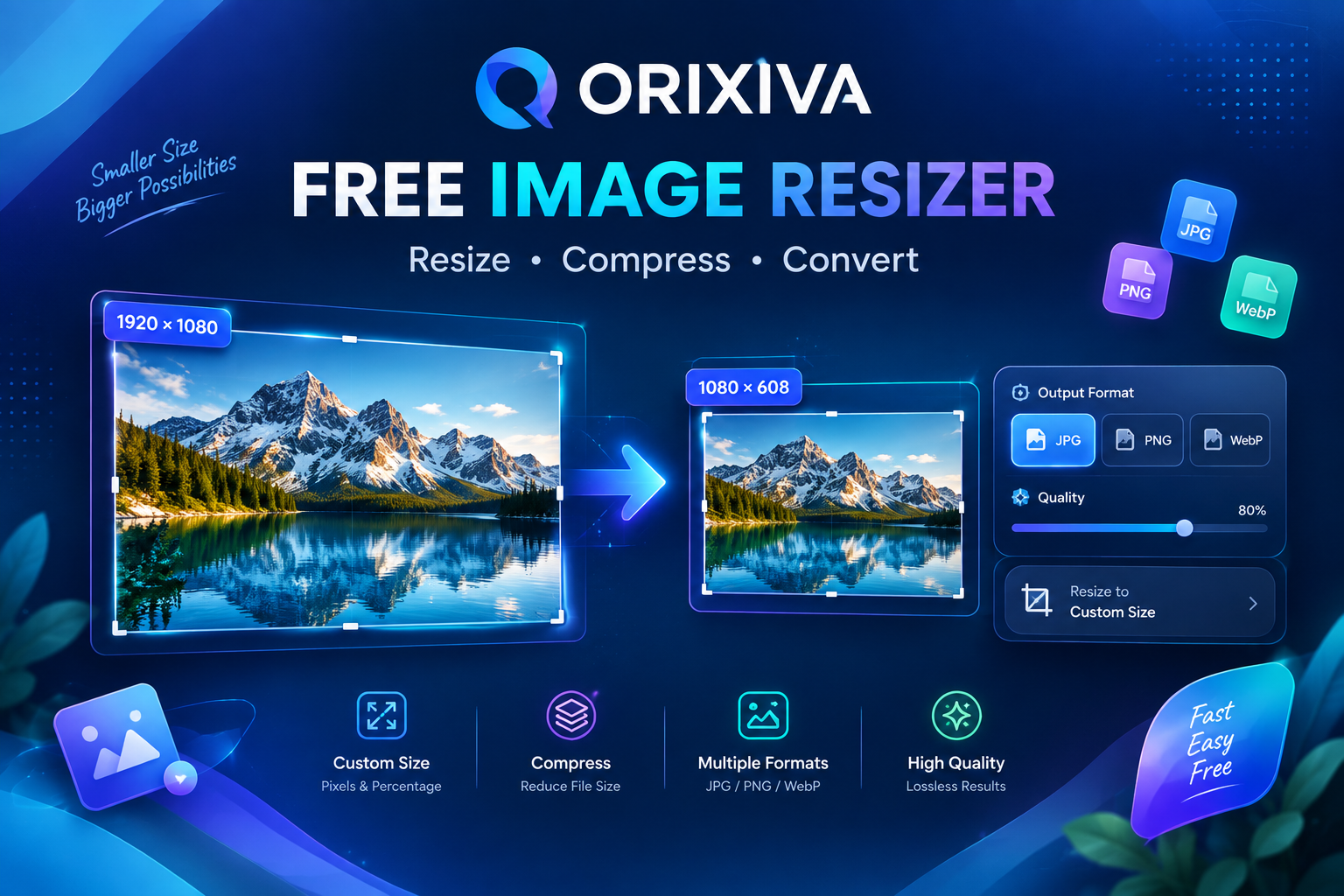
Orixiva Fast Image Resizer
Resize, compress & convert — directly in your browser.
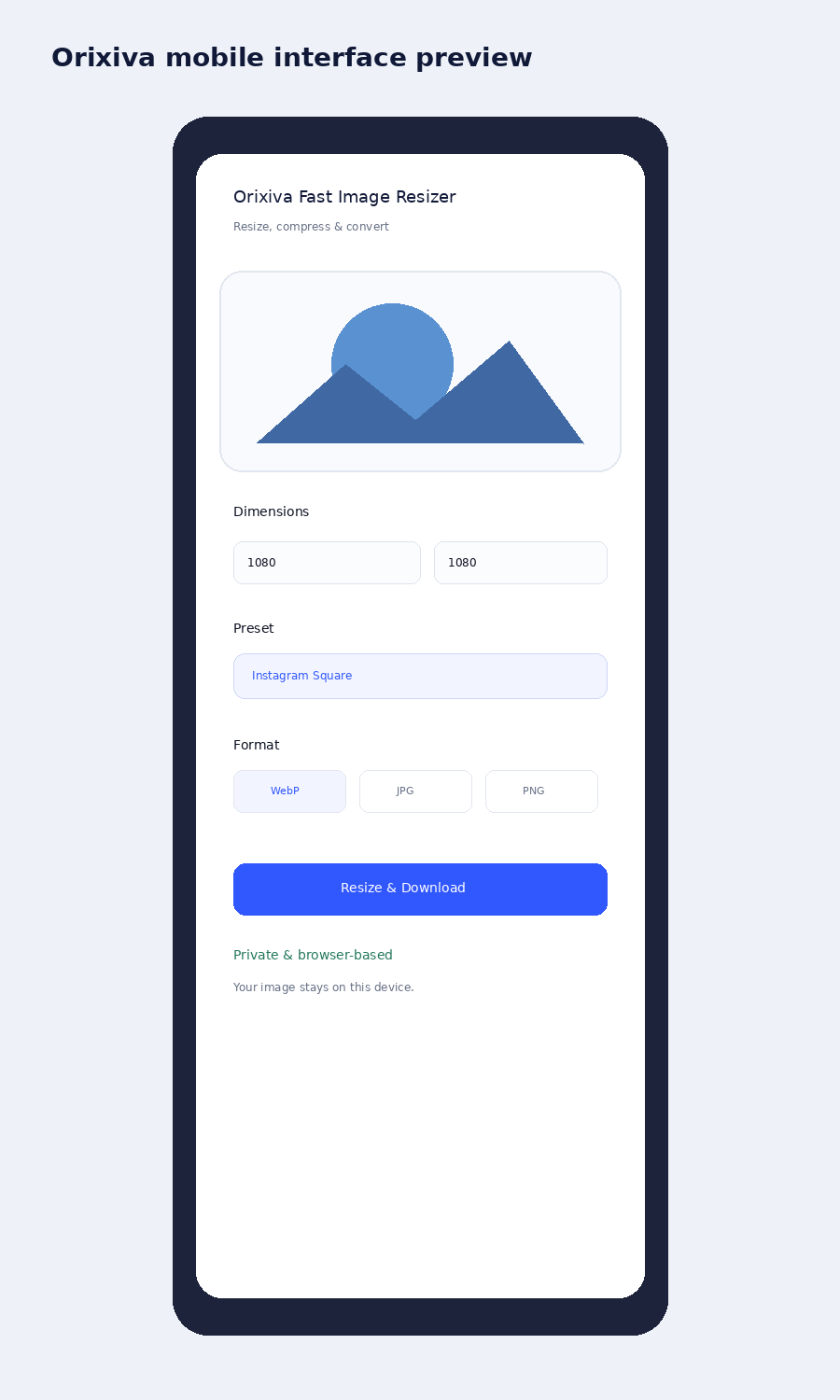
Private & browser-based
Resize images in seconds
Drop images here or choose files. Set exact dimensions, preserve quality, convert formats, and process multiple images at once.
JPGPNGWebPAVIF*Batch resizeNo upload
Live preview
OriginalSelect an image to preview.
Original—
Output—
Estimated size—
Resize modeChoose how pixels are mapped
DimensionsOriginal ratio
px
px
Lock aspect ratio
Keep proportions automatically.
Scale100%
Quick presetsOne-click common sizes
Output formatFast client-side encoding
Preserve transparency
For PNG/WebP transparent images.
Quality88%
Smaller file
Higher detail
JPEG backgroundUsed when transparency is off
Smart file-size targetOptional
KB max
Fast path: resizing happens locally with native browser image decoding and canvas encoding. Nothing is sent to Orixiva.
Ready.
Batch queue
0 files
Free Image Resizer Online – Resize, Compress & Convert Images
Free Image Resizer Online — Fast, Private & Precise
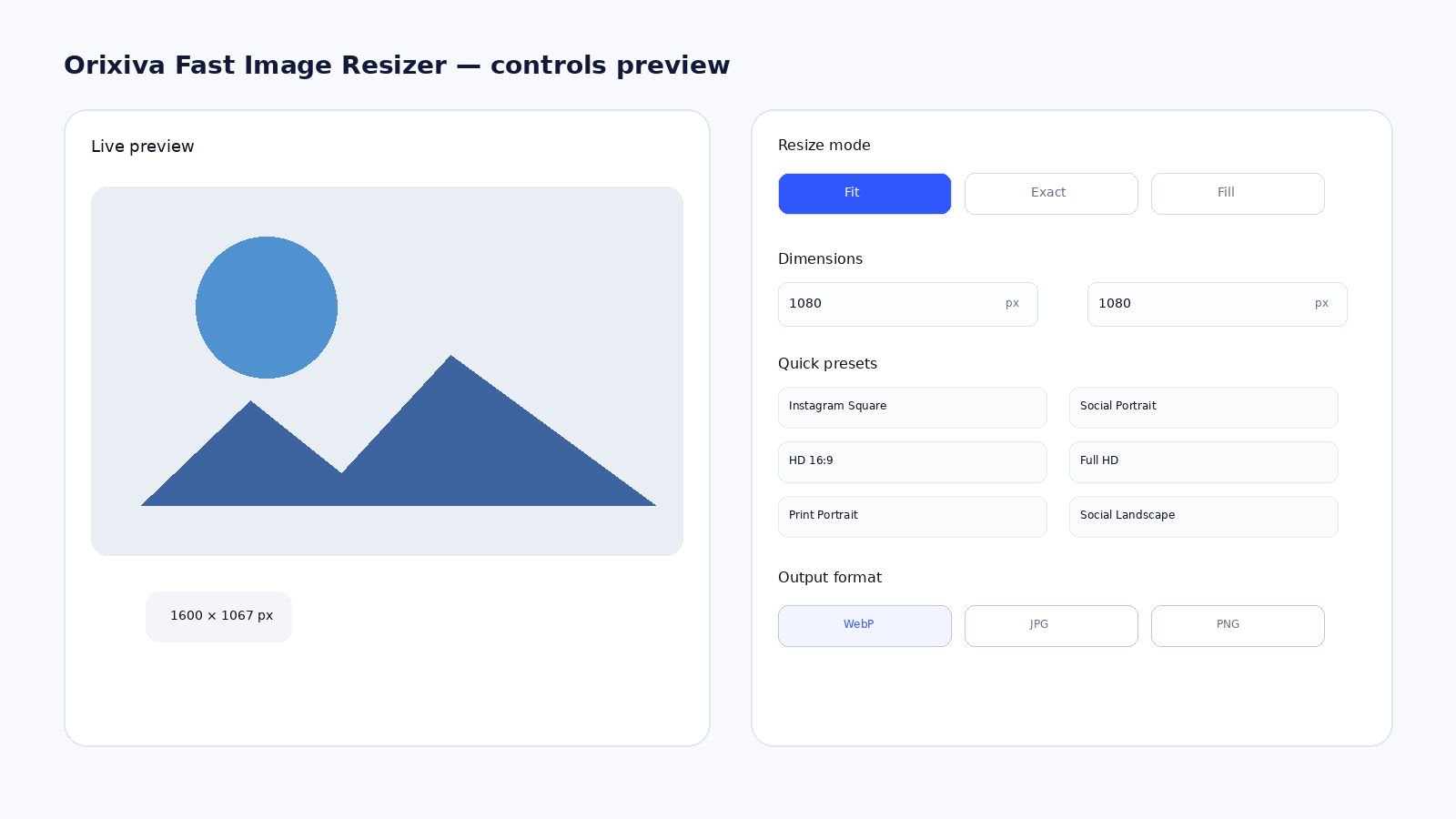
Resize images online with Orixiva’s fast, browser-based image resizer. Set exact pixel dimensions, scale by percentage, keep the aspect ratio, choose Fit/Exact/Fill, convert between JPG, PNG and WebP, adjust quality, and optionally target a maximum file size in KB. Your image is processed on your device instead of being sent to an Orixiva upload server.
How to Resize an Image in 3 Steps
1. Add your images:
Drop one or more JPG, PNG or WebP files into the tool (AVIF works in browsers that support it). You can add a whole batch at once.
2. Set the size and format:
Type exact pixels, scale by percentage or pick a preset such as Instagram Square or Full HD. Choose Fit, Exact or Fill, then WebP, JPG or PNG and the quality you want.
3. Resize and download:
Click “Resize & Download”. Everything is processed on your device in seconds.
What is an image resizer?
An image resizer changes the pixel width and height of a picture. Orixiva lets you resize by exact pixels or by percentage, choose Fit, Exact or Fill, and convert the result to WebP, JPG or PNG.
How do I resize an image online for free?
Add your image, choose a resize mode, type the width and height or pick a preset, select the output format and quality, then click Resize & Download. It is free, with no sign-up.
Does Orixiva upload my image?
No. Orixiva decodes, resizes and re-encodes your image inside your browser. Your files never leave your device, so the tool is safe for private photos and documents.