Social Media Content Planner – Excel & Google Sheets Content Calendar
$17.00
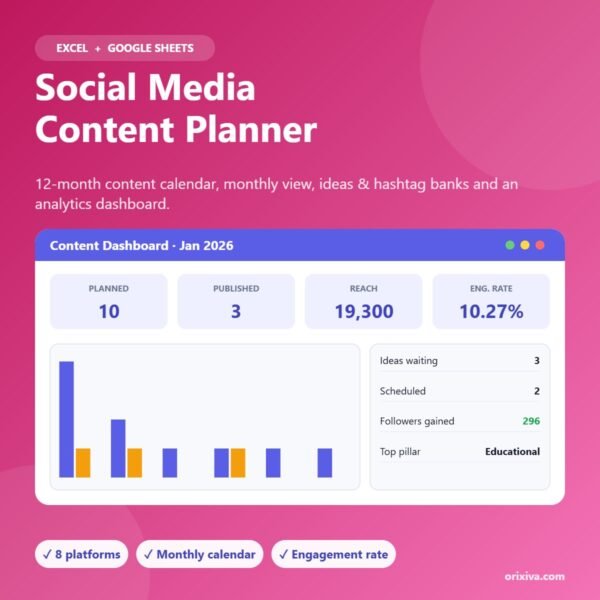
A complete social media content planner for Excel and Google Sheets. Plan a full year of posts, see each month as a calendar, store ideas and hashtags, and track what works with an analytics dashboard.
600-post content calendar with colour-coded statuses
Post consistently without the daily scramble. This content planner keeps your ideas, schedule, hashtags and results in one place, for up to 8 platforms.
What you can do with it
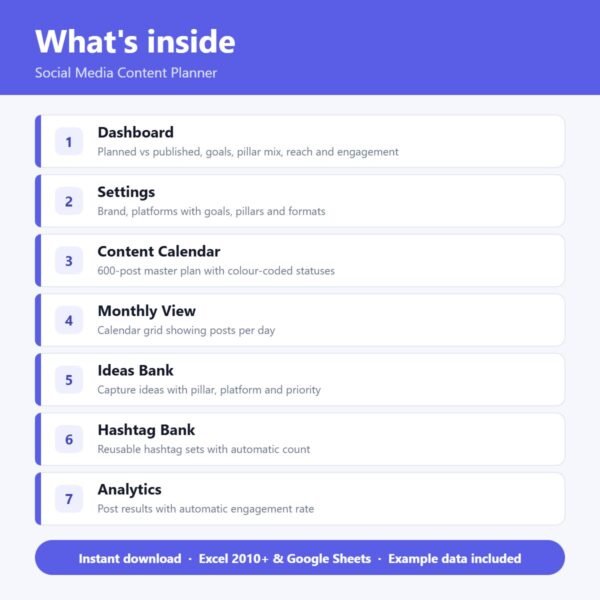
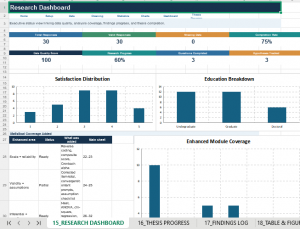
Content dashboard: Pick a month to see posts planned vs published, progress against your goals per platform, pillar mix, reach and engagement rate.
Content calendar: Plan up to 600 posts with date, platform, pillar, format, hook, caption, CTA, hashtag set and status from Idea to Published.
Monthly view: A calendar grid that shows how many posts are planned each day and the first topic.
Ideas bank: Capture ideas with pillar, platform, format and priority so you never start from a blank page.
Hashtag bank: Reusable hashtag sets per platform with an automatic hashtag count.
Analytics: Log reach, likes, comments, shares, saves, clicks and followers. Engagement rate is calculated for you.
What’s included
Start Here – step-by-step instructions
Dashboard
Settings (platforms, goals, pillars)
Content Calendar
Monthly View
Ideas Bank
Hashtag Bank
Analytics
Every sheet uses clear colour coding: yellow cells are for your information, everything else calculates automatically. Example data is included so you can see how it works straight away.
Who it’s for
Small business owners and creators
Social media managers and freelancers
Coaches, shops and personal brands
Marketing teams who need one shared plan
Compatibility
Microsoft Excel 2010 or newer (Windows and Mac)
Google Sheets (upload to Google Drive and open with Google Sheets)
Instant digital download (.xlsx). No physical product is shipped.
Frequently asked questions
Which platforms does it support?
Instagram, TikTok, Facebook, LinkedIn, YouTube, Pinterest, X and Threads are set up. Rename or add your own in Settings.
Does it work in Google Sheets?
Yes. It works in Excel 2010 or newer and in Google Sheets, which makes it easy to share with a team.
Does it post for me?
No. It is a planning and tracking template. Use it alongside your scheduling tool.
Can I change the content pillars?
Yes. Name up to 8 pillars in Settings and the dashboard updates automatically.
Licence
For personal use or use in one business. Please do not resell, share or redistribute the file.
Reviews
There are no reviews yet.
Be the first to review “Social Media Content Planner – Excel & Google Sheets Content Calendar”Cancel Reply



Reviews
There are no reviews yet.