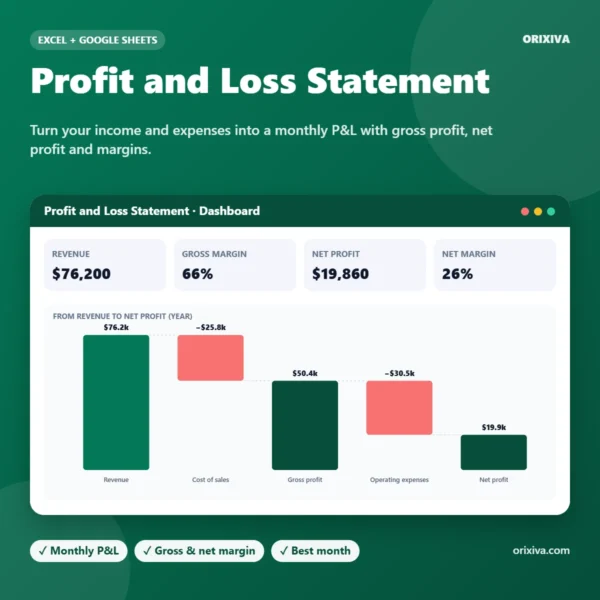
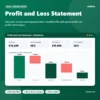
A profit and loss statement (P&L, also called an income statement) shows how much money your business made and spent over a period, and what was left as profit. This template for Excel and Google Sheets turns a simple list of transactions into a full monthly P&L with revenue, cost of sales, gross profit, operating expenses and net profit.
What you can do with it
Know if you are profitable: net profit and net margin for every month and the full year.
See your true margins: gross margin shows what is left after the direct cost of what you sell.
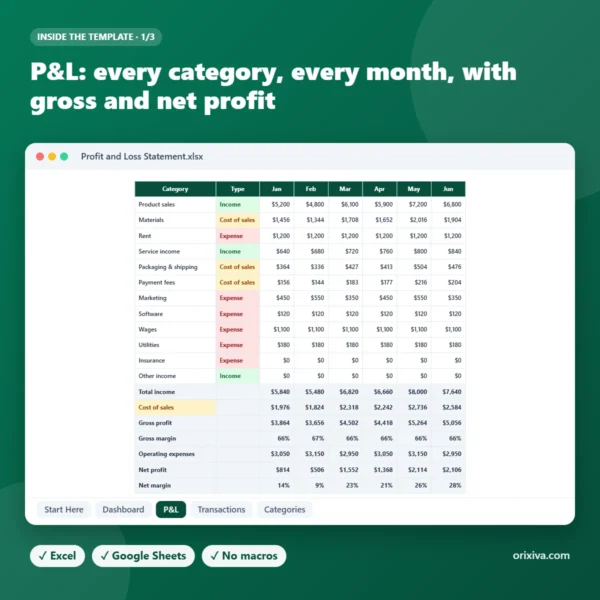
Control costs: every expense category is listed month by month.
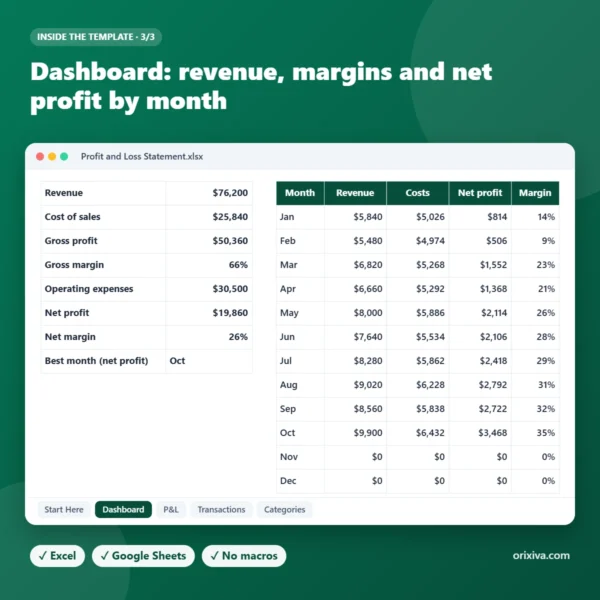
Spot trends: compare months and find your best month automatically.
Prepare for your accountant: clean category totals for the whole year.
How it works
How the Profit and Loss Statement works, step by step.
Set up income, cost of sales and expense categories.
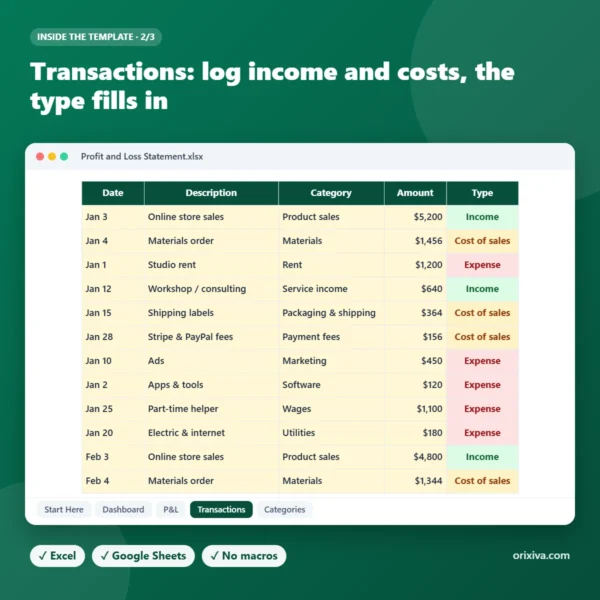
Log transactions as they happen.
Pick the year on the P&L tab.
Review margins on the Dashboard every month.
What’s included
Start Here: setup steps and colour guide
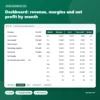
Dashboard: key results and monthly table
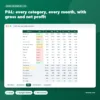
P&L: 12-month statement
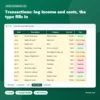
Transactions: up to 1,000 transactions
Categories: up to 30 categories
Who it is for
Small business owners, makers, online shops, freelancers, consultants and side businesses that want a clear monthly P&L without accounting software.
File details
Format: .xlsx workbook with 5 tabs, room for 1,000 transactions and 30 categories
Works in: Microsoft Excel 2016 or newer, Microsoft 365, Excel for Mac and Google Sheets (File > Import)
No macros: plain formulas only, so it opens safely on any device
Free sample: a 3-entry version with the same formulas, so you can test it first
Delivery: instant download after checkout, also sent by email
Frequently asked questions
What is the difference between gross profit and net profit?
Gross profit is revenue minus cost of sales, the direct cost of what you sell. Net profit also subtracts operating expenses such as rent, software and marketing.
What counts as cost of sales?
Costs that rise with each sale, such as materials, packaging, shipping and payment fees.
Can I use it for more than one year?
Yes. Change the year on the P&L tab. Transactions from any year can stay in the same list.
Does it replace an accountant?
No. It gives you clear numbers to run your business and share with your accountant. Tax rules depend on your country.
Does it work in Google Sheets?
Yes. Import the file into Google Sheets. The category drop-down and monthly totals keep working.
Share how you use it
Bought this P&L template? Leave a review below with one tip from your own setup, such as a column you added or how often you update it. Real tips from buyers help the next person decide, and we read every review when planning updates.
Licence
For personal use or use in one business. Please do not resell, share or redistribute the file.
Reviews
There are no reviews yet.
Be the first to review “Profit and Loss Statement Template – Excel & Google Sheets Monthly P&L for Small Business”Cancel Reply
Questions about this template
Does it work in Google Sheets?+
Yes. Open it in Microsoft Excel, or upload it to Google Sheets.
Is it a subscription?+
No. You pay once and keep the file.
How do I get my file?+
A download link appears right after checkout and is also sent to your email.
Can I edit it?+
Yes. Change labels, categories and colors to fit your needs.








Reviews
There are no reviews yet.