Try our free AI tools – no sign-up needed!

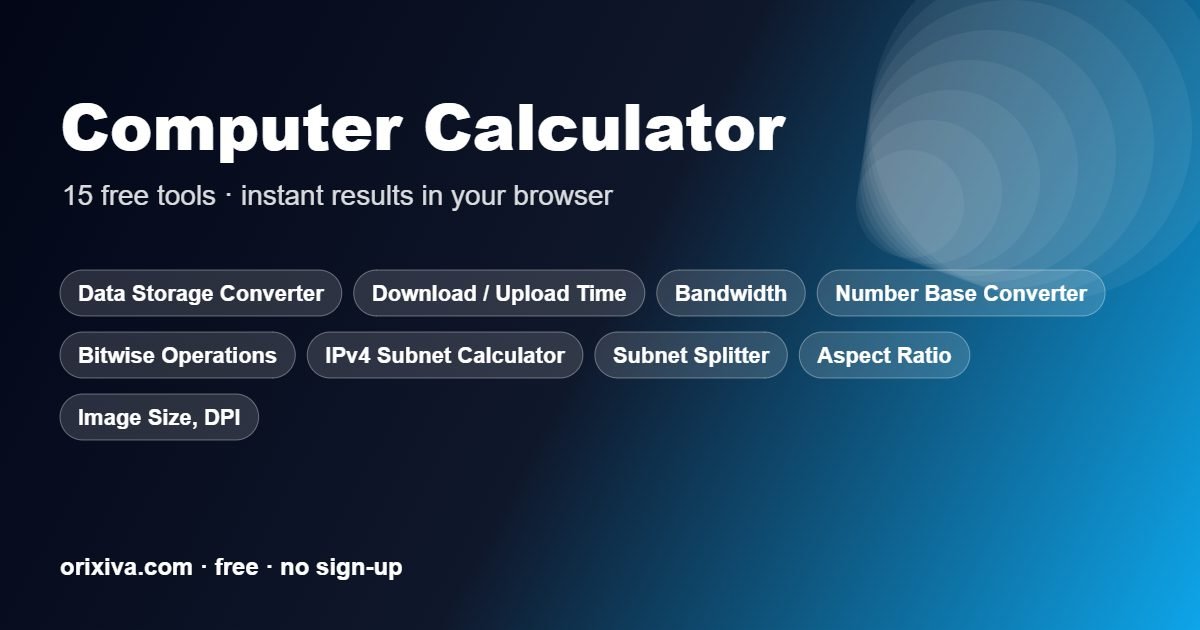
Quick answer: To use the computer calculator, pick one of the 15 tools in the menu above, enter your values with the right units and press Calculate. The result appears with notes, and you can copy or print it.
- 15calculators
- 0sign-ups needed
- 100%in your browser
- Freeforever
What the computer calculator includes
The computer calculator contains 15 separate tools. Choose one from the menu at the top of the page; each tool keeps its own inputs and explains the formula it uses.
| Calculator | What it does |
|---|---|
| Data Storage Converter | Convert bits, bytes, decimal (KB/MB/GB) and binary (KiB/MiB/GiB) units. |
| Download / Upload Time | Transfer time for a file size and connection speed with protocol overhead. |
| Bandwidth & Data Usage | Monthly data use from bitrate, or bitrate needed for a data budget. |
| Number Base Converter | Binary, octal, decimal, hex and any base 2–36 with exact big integers and two’s complement. |
| Bitwise Operations | AND, OR, XOR, NOT, NAND, NOR and bit shifts on decimal, hex or binary numbers. |
| IPv4 Subnet Calculator | Network, broadcast, host range, masks, wildcard, class and binary view from CIDR. |
| Subnet Splitter (VLSM) | Split a network into subnets by number of hosts needed for each department. |
| Aspect Ratio & Resize | Simplify a ratio and calculate a new width or height that keeps proportions. |
| Image Size, DPI & File Size | Megapixels, print size at a DPI and uncompressed or estimated compressed file size. |
| Video File Size & Bitrate | File size from bitrate and duration, or the bitrate needed for a target size. |
| Latency, RTT & Throughput | Propagation delay, round-trip time and maximum TCP throughput (bandwidth-delay product). |
| RAID Capacity Calculator | Usable capacity, fault tolerance and efficiency for RAID 0, 1, 5, 6, 10, 50 and 60. |
| Password Strength & Entropy | Entropy bits and estimated time to brute-force a password or passphrase. |
| Unix Timestamp Converter | Convert Unix epoch seconds/milliseconds to dates and back, in UTC and local time. |
| Colour Code Converter | HEX ↔ RGB ↔ HSL ↔ CMYK with a preview swatch and contrast check. |

How to use the computer calculator
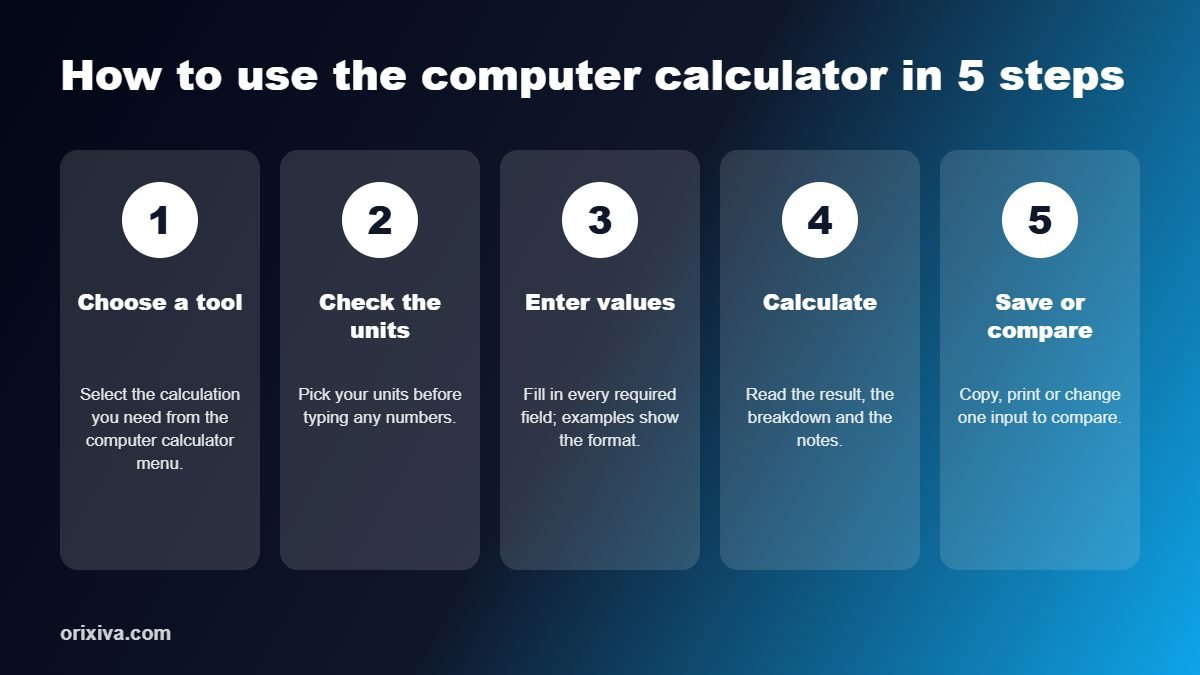
- Choose a tool. Select the calculation you need from the computer calculator menu.
- Check the units. Pick the units you are working in before typing numbers, so the formula uses the right values.
- Enter your values. Fill in every required field. Example values show the expected format.
- Calculate and review. Read the main result, the breakdown and any notes or charts under it.
- Save or compare. Copy, print or download the result, or change one input to compare scenarios.
Who uses this computer calculator?
- Network administrators planning subnets and VLSM.
- Developers converting number bases, bitwise values and timestamps.
- IT support staff estimating download times and storage.
- Video creators sizing files and bitrates.
- Students learning binary, hex and networking.
Tips for accurate results with the computer calculator
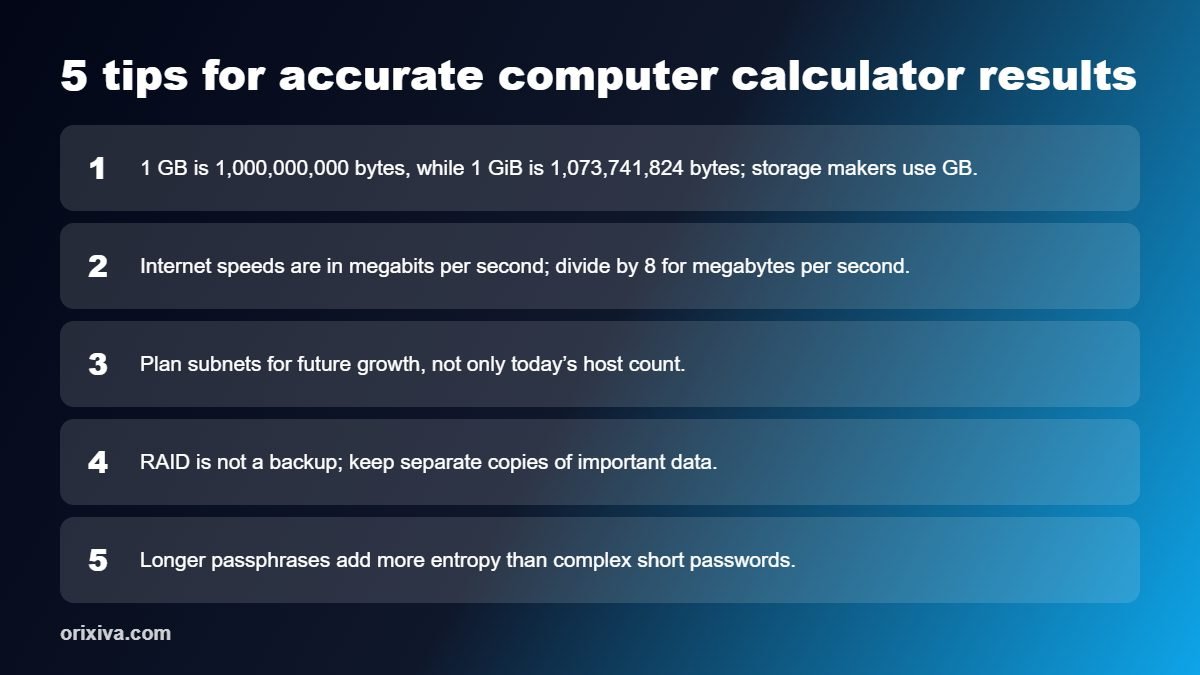
- 1 GB is 1,000,000,000 bytes, while 1 GiB is 1,073,741,824 bytes; storage makers use GB.
- Internet speeds are in megabits per second; divide by 8 for megabytes per second.
- Plan subnets for future growth, not only today’s host count.
- RAID is not a backup; keep separate copies of important data.
- Longer passphrases add more entropy than complex short passwords.
Computer calculator guide: units, subnets and worked examples
Most computer maths comes down to three things: knowing which unit you are in, counting in powers of two and allowing for overhead. This guide gives the reference tables behind the computer calculator and works through common problems step by step.
Decimal and binary storage units
Drive makers and internet providers use decimal units, where 1 GB is 1,000,000,000 bytes. Operating systems often use binary units, where 1 GiB is 1,073,741,824 bytes. That is why a 1 TB drive shows up as about 931 GiB in Windows: nothing is missing, it is the same number of bytes counted in a different unit.
| Decimal unit | Bytes | Binary unit | Bytes |
|---|---|---|---|
| 1 kB | 1,000 | 1 KiB | 1,024 |
| 1 MB | 1,000,000 | 1 MiB | 1,048,576 |
| 1 GB | 10⁹ | 1 GiB | 1,073,741,824 |
| 1 TB | 10¹² | 1 TiB | 1,099,511,627,776 |
Network speeds are in bits per second, while file sizes are in bytes. There are 8 bits in a byte, so a 100 Mbps connection moves at most 12.5 megabytes per second.
Worked example 1: download time
A 4.7 GB file on a 100 Mbps line: 4.7 × 8,000 = 37,600 megabits, and 37,600 ÷ 100 = 376 seconds, or about 6 minutes 16 seconds. Real downloads are slower because TCP/IP headers, Wi-Fi and server limits take a share. Allowing 10% overhead gives a more realistic 6 minutes 58 seconds. The download time tool lets you set the overhead to match your connection.
Worked example 2: subnetting a /24 network
The network 192.168.10.0/24 has 256 addresses. Splitting it into four /26 subnets gives 64 addresses each, and 62 usable hosts per subnet once the network and broadcast addresses are removed.
| CIDR | Subnet mask | Addresses | Usable hosts |
|---|---|---|---|
| /24 | 255.255.255.0 | 256 | 254 |
| /25 | 255.255.255.128 | 128 | 126 |
| /26 | 255.255.255.192 | 64 | 62 |
| /27 | 255.255.255.224 | 32 | 30 |
| /28 | 255.255.255.240 | 16 | 14 |
| /30 | 255.255.255.252 | 4 | 2 |
When departments need different sizes, the VLSM subnet splitter places the largest subnet first. For example, 100 hosts need a /25, 50 hosts a /26 and 20 hosts a /27, which all fit inside one /24 with room to spare.
Worked example 3: number bases
The decimal number 202 is 11001010 in binary and CA in hexadecimal. Each hex digit stands for exactly four bits, which is why programmers use hex as shorthand: C is 1100 and A is 1010. In an 8-bit two's complement system, the same bit pattern 11001010 means −54, because the leftmost bit carries a value of −128.
Worked example 4: video file size
A 10-minute 1080p video at 8 Mbps: 8 × 600 seconds = 4,800 megabits, divided by 8 gives 600 MB, plus about 1% for audio and container overhead. To fit the same video into 250 MB, the video bitrate must drop to about 3.3 Mbps, which the video size tool calculates in reverse.
Worked example 5: RAID capacity
Four 4 TB drives give 16 TB raw. RAID 0 uses all 16 TB but survives no drive failure. RAID 5 keeps 12 TB and survives one failure. RAID 6 and RAID 10 both keep 8 TB, with RAID 6 surviving any two failures and RAID 10 one per mirrored pair. RAID protects against drive failure, not deletion or ransomware, so you still need backups.
Worked example 6: password strength
Entropy measures how hard a password is to guess. A random 12-character password using upper and lower case letters, digits and 10 symbols has 72 possible characters, giving 12 × log₂(72) ≈ 74 bits. A random four-word passphrase from a 7,776-word list gives about 52 bits. Length adds strength faster than complexity, and a password manager makes long random passwords practical. The NIST digital identity guidelines (SP 800-63B) recommend length and screening against breached passwords rather than forced complexity rules.
Worked example 7: aspect ratio and print size
A 4000 × 3000 pixel photo has a 4:3 aspect ratio and 12 megapixels. Printed at 300 DPI, the standard for sharp photo prints, it covers 13.3 × 10 inches (about 34 × 25 cm). At 150 DPI, which is fine for posters seen from a distance, the same file stretches to 26.7 × 20 inches. To resize it for a 1920-pixel-wide web banner while keeping the shape, the height becomes 1920 × 3 ÷ 4 = 1440 pixels.
Uncompressed, that 12-megapixel image at 24-bit colour takes 12,000,000 × 3 bytes = 36 MB in memory. Saved as a good-quality JPEG it is usually 3 to 6 MB, because compression removes detail the eye barely notices.
Worked example 8: colour codes
Web colours are written in hexadecimal. The code #1E8C7A splits into three pairs: 1E for red, 8C for green and 7A for blue, which are 30, 140 and 122 in decimal, so the colour is rgb(30, 140, 122). Each pair runs from 00 to FF, or 0 to 255, giving about 16.7 million possible colours. The colour tool also converts to HSL, which describes hue, saturation and lightness and makes it easier to pick lighter or darker shades of the same colour.
Bandwidth and monthly data
Streaming at 5 Mbps for 2 hours a day uses 5 × 7,200 ÷ 8 = 4,500 MB, or about 4.5 GB a day and 135 GB in a 30-day month. Dropping to 3 Mbps saves about 54 GB a month. The bandwidth tool works this out in both directions, so you can also find the highest bitrate that fits a data cap.
Latency and throughput
Light in fibre travels about 200 km per millisecond, so a 6,000 km link has at least 30 ms of one-way delay and 60 ms round-trip time before any routing. A single TCP connection can carry at most the window size divided by the round-trip time: a 64 KB window over 60 ms caps out near 8.7 Mbps, however fast the line is. Larger windows, which modern systems negotiate automatically, remove that limit.
Tips for accurate results
- Check whether a figure is in bits or bytes before you divide by 8.
- Use binary units when you compare with what your operating system shows.
- Leave spare addresses in each subnet for growth.
- Measure real network speed with a speed test before you plan large transfers.
Privacy and accuracy
The computer calculator runs entirely in your browser. Numbers you type are not sent to Orixiva or stored on a server.
Results use standard published formulas and are rounded for display. They are estimates for planning, study and everyday decisions; for legal, medical, engineering or financial decisions, confirm them with a qualified professional. For background reading, see the RFC 4632 on CIDR addressing.
Related free calculators
Need a different kind of calculation? These pages work the same way as this computer calculator.
- Aviation Fuel Calculator for flight time, fuel burn and nautical units.
- Construction Calculator for concrete, paint, tiles and bricks.
- Date Calculator for days between dates and age.
- Financial Calculator for loans, interest and ROI.
- Unit Converter for 14 measurement types.
- All free calculators in one place.
Share your feedback
Which computer calculator tool did you use, and was the result what you expected? Tell other readers in the comments, or suggest a calculator we should add next. Comments are reviewed before they appear.
Frequently asked questions
Is this computer calculator free?
Yes. All 15 IT tools are free and run locally in your browser.
How do I calculate a subnet?
Enter an IP address with CIDR, such as 192.168.1.0/24, in the IPv4 Subnet Calculator to get network, broadcast, host range and masks.
How long will my download take?
Use Download / Upload Time with file size and connection speed; protocol overhead is included.
What is the difference between MB and MiB?
MB uses powers of 10 and MiB uses powers of 2. The Data Storage Converter shows both.
Can it convert binary to hex?
Yes. The Number Base Converter handles binary, octal, decimal, hex and any base from 2 to 36.
Is my password sent anywhere?
No. Password Strength & Entropy runs on your device and nothing is uploaded.
How long will a download take?
Time = file size in bits / connection speed. A 5 GB file on a 100 Mbps line takes about 7 minutes in theory; the Download / Upload Time tool adds protocol overhead for a realistic figure.
How much data does streaming use per month?
Data = bitrate x time. A 5 Mbps stream uses about 2.25 GB per hour. Bandwidth & Data Usage also works out the bitrate you can afford for a monthly data cap.
Can it convert very large binary or hex numbers?
Yes. The Number Base Converter uses exact big integers for any base from 2 to 36 and can show two's complement for signed values.
What do the bitwise operations do?
They compare numbers bit by bit: AND keeps bits set in both, OR in either, XOR in only one, and NOT flips all bits. Shifts move bits left or right, which multiplies or divides by powers of 2.
How do I split a network into subnets of different sizes?
Use the Subnet Splitter (VLSM). Enter the main network and the number of hosts each group needs; it allocates the largest subnets first and lists each network, mask and host range.
How do I resize an image without stretching it?
Keep the aspect ratio: new height = new width x original height / original width. Aspect Ratio & Resize also simplifies ratios such as 1920x1080 to 16:9.
What DPI do I need for printing?
About 300 DPI for close viewing. Print size in inches = pixels / DPI, so a 3000 x 2000 photo prints at 10 x 6.7 inches at 300 DPI. Image Size, DPI & File Size also estimates file size.
How do I calculate video file size?
File size = bitrate x duration / 8. Ten minutes at 8 Mbps is about 600 MB. The Video File Size & Bitrate tool also finds the bitrate needed to hit a target size.
Why is my transfer slower than my bandwidth?
Latency limits TCP throughput: maximum throughput is roughly window size / round-trip time. Latency, RTT & Throughput shows propagation delay, RTT and the bandwidth-delay product.
How much usable space does RAID 5 give?
RAID 5 gives (number of drives - 1) x drive size and survives one drive failure; RAID 6 gives (n - 2) x size and survives two. The RAID Capacity Calculator covers RAID 0, 1, 5, 6, 10, 50 and 60.
How strong is my password?
Strength is measured in entropy bits: length x log2(size of the character set). The Password Strength tool estimates the time to brute-force it. Nothing you type leaves your browser.
How do I convert a Unix timestamp to a date?
A Unix timestamp counts seconds since 1 January 1970 UTC. The Unix Timestamp Converter converts seconds or milliseconds to UTC and local dates and back.
How do I convert HEX to RGB?
Each pair of hex digits is one colour channel from 00 to FF (0 to 255): #1D4ED8 is RGB 29, 78, 216. The Colour Code Converter also gives HSL and CMYK and checks contrast.
Is it safe to type passwords or IP addresses?
Yes. Every computer tool runs locally in your browser and nothing is sent to a server.
Do I need to install anything?
No. All 15 computer and IT tools work in any modern browser with no sign-up.
Ready to calculate? Scroll up to the computer calculator, choose a tool and get your answer in seconds.