Try our free AI tools – no sign-up needed!


On-Page SEO Checklist: 20 Checks for Google and AI Search (With a Free Audit)
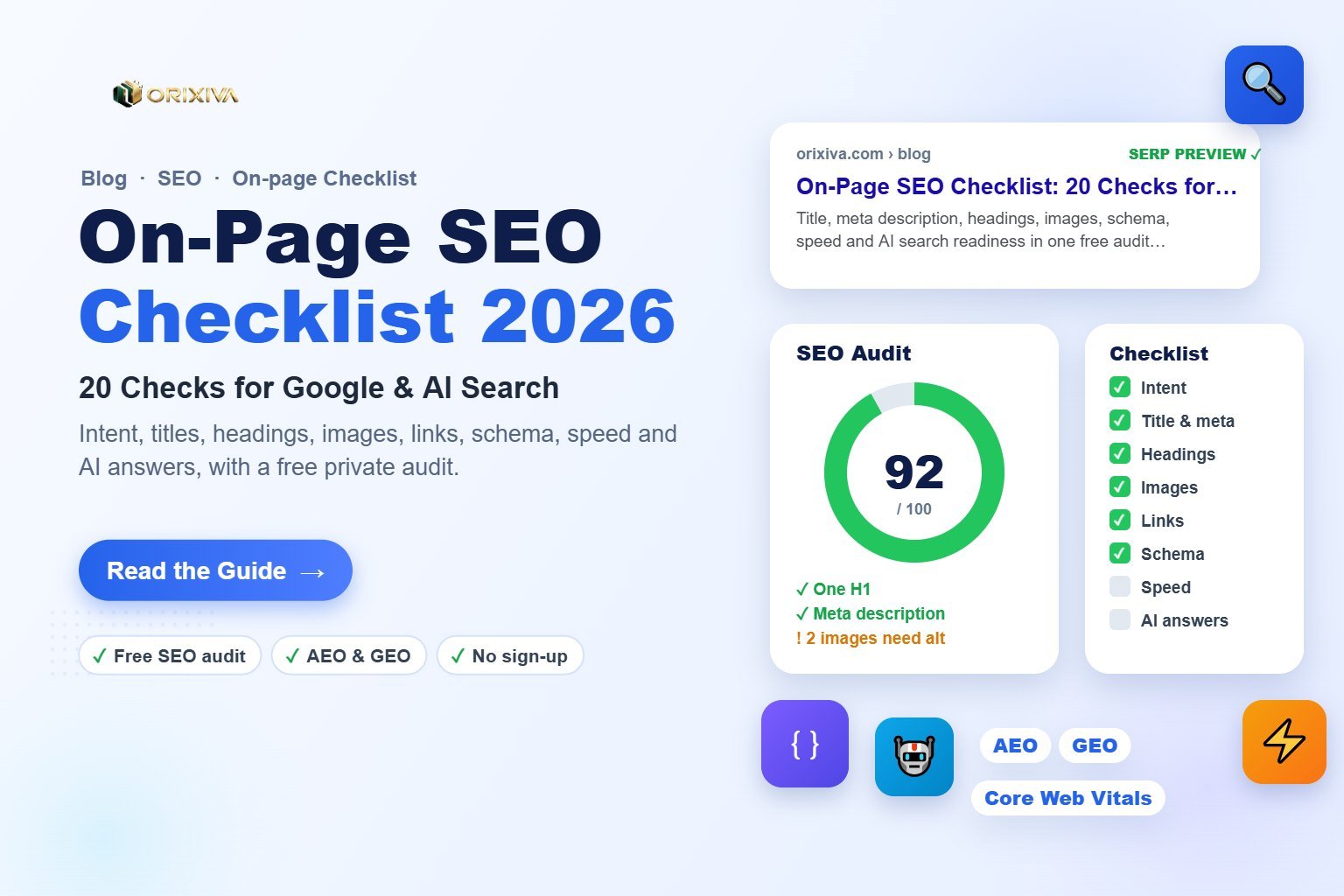
Short answer: An on-page SEO checklist makes sure each page has one clear topic, a descriptive title and meta description, a single H1 with a logical heading outline, the main keyword early in the content, helpful images with alt text, internal links, valid structured data, fast loading and a direct answer near the top for AI search. You can check most of these in minutes by pasting your page's HTML into the free Orixiva SEO audit tool, which runs privately in your browser.
Key takeaways
- Start with intent: one page should answer one main question better than any other page on your site.
- Titles, H1 and the first paragraph do the most work; fix them before anything else.
- Write for people first. Google's guidance focuses on helpful, reliable, people-first content.
- AI search rewards clear answers, defined terms, facts with sources and a visible author.
- Re-audit after every big edit; small template changes can remove an H1 or break schema.
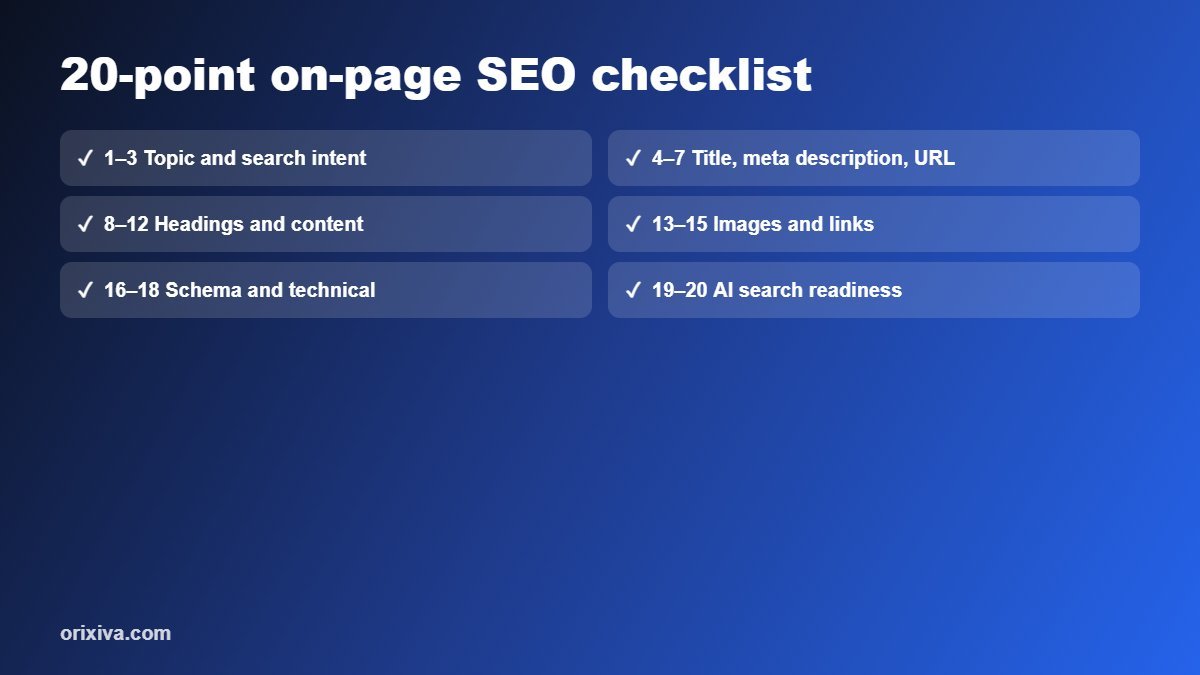
Topic and search intent (checks 1–3)
- Pick one main search phrase. Decide the question the page answers, such as "how to create barcodes for products". Add 3–5 close variations, not dozens.
- Match the intent. Look at what already ranks: guides, tools, product pages or comparisons. If searchers want a tool, lead with the tool; if they want to learn, lead with the answer.
- Avoid competing with yourself. If two of your pages target the same phrase, merge them or give each a different angle so they do not split rankings.
Title, meta description and URL (checks 4–7)
- Title tag: put the main phrase near the start, keep it about 50–60 characters so it is not cut off, and make it specific. Add your brand at the end if space allows.
- Meta description: summarise the page and give a reason to click in roughly 140–160 characters. Google may rewrite it, but a good one is often used.
- Clean URL: short, lowercase, hyphenated words that describe the page, for example
/how-to-make-a-gif-from-photos/. Redirect old URLs when you change them. - Social tags: add Open Graph title, description and image so links look good when shared on social media and chat apps.
| Element | Good target | Common mistake |
|---|---|---|
| Title tag | 50–60 characters, keyword first | Same title on many pages |
| Meta description | 140–160 characters, clear benefit | Left empty or stuffed with keywords |
| URL slug | 3–6 words, hyphens | Dates, IDs or emoji in the slug |
| H1 | One per page, matches the topic | No H1, or the logo marked as H1 |
Headings and content (checks 8–12)
- One H1 and a logical outline. Use H2 for main sections and H3 inside them. Do not skip levels just for styling.
- Answer early. Put the main answer or summary in the first 100 words, and use the main phrase naturally there.
- Cover the topic fully. Include the steps, examples, numbers, comparisons and common mistakes a reader needs. Length should follow usefulness, not a word target.
- Make it easy to read. Short paragraphs, lists, tables and bold key phrases. Aim for plain language; a reading-ease score around 60 or higher suits most general audiences.
- Show experience and trust. Add the author, a last-updated date, first-hand tips and links to reliable sources. This supports the "helpful, reliable, people-first" content Google describes.
Pro tip: read only your headings from top to bottom. If they tell the whole story on their own, both readers and search engines will understand the page.
Images and links (checks 13–15)
- Helpful images with alt text. Describe what the image shows in plain words, add width and height to prevent layout shift, and compress large files. The free image resizer helps here.
- Internal links. Link to related guides and tools with descriptive anchor text, and link back to the page from other relevant pages so it is never an orphan.
- External links to sources. Cite official or expert sources for facts and numbers. This helps readers and makes your page easier for AI systems to trust and quote.
Structured data and technical basics (checks 16–18)
- Structured data (schema). Add JSON-LD such as Article, Product, Organization or BreadcrumbList that matches visible content, and check it for syntax errors. Note that Google now shows FAQ rich results mainly for well-known government and health sites, and has retired HowTo rich results, but the markup can still help machines understand your page.
- Indexing signals. Make sure the page is not blocked by robots.txt or a
noindextag, has a self-referencing canonical, a language attribute and a mobile viewport tag. - Speed and stability. Check Core Web Vitals: Largest Contentful Paint within 2.5 seconds, Interaction to Next Paint within 200 milliseconds and Cumulative Layout Shift below 0.1.
AI search readiness, AEO and GEO (checks 19–20)
AI overviews and chat assistants pull short, well-structured answers from pages they trust. Two checks make your content easier to quote:
- Quotable answers. Put a 40–60 word direct answer under the main question, define key terms in one sentence, and use question-style headings with clear answers below them.
- Clear entities and evidence. Name the people, products, standards and numbers involved, add sources, and keep an author and organisation profile on the page. Decide which AI crawlers you allow in robots.txt.
✅ Easy for AI to quote
"A GTIN is a 12–14 digit product number issued through GS1. Retailers use it to identify each product variant."
❌ Hard for AI to quote
"There are lots of things to think about when it comes to numbers and stuff on your products, and it depends."
How to run a free on-page SEO audit in 5 minutes
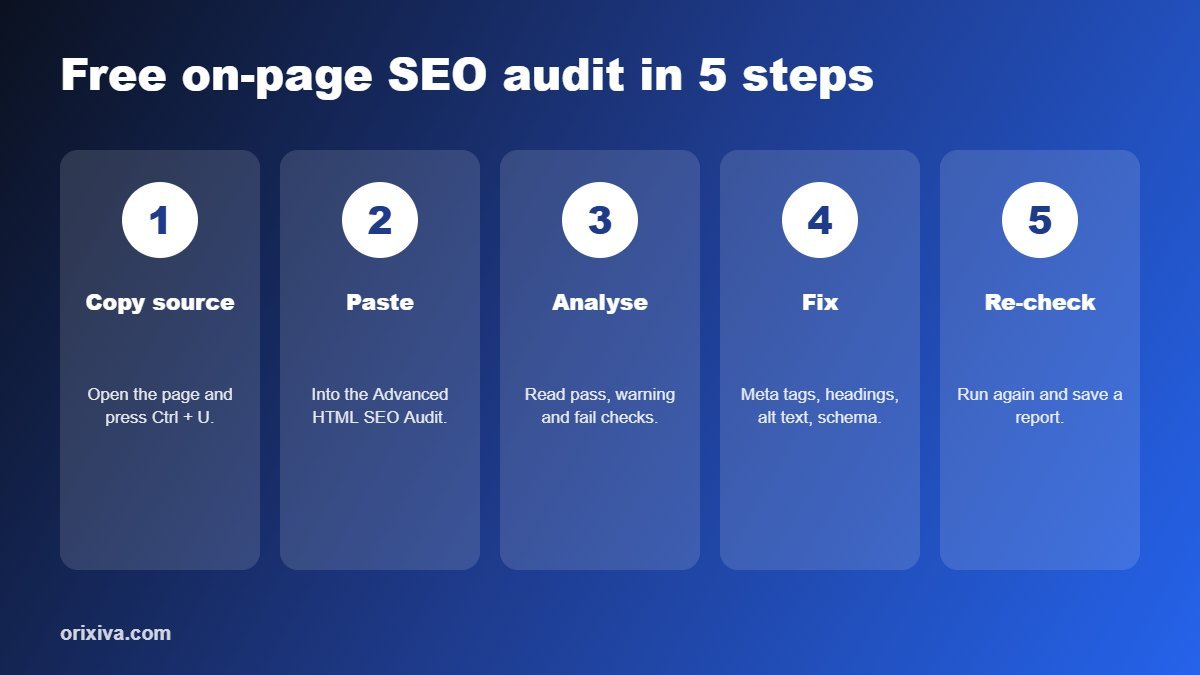
- Open your page in Chrome, Edge, Firefox or Safari and press Ctrl + U (Cmd + Option + U on Mac) to view the source.
- Copy everything and paste it into the Advanced HTML SEO Audit in the free SEO toolkit.
- Run the analysis and read the pass, warning and fail list: title, description, H1, canonical, robots, viewport, image alt text, Open Graph and JSON-LD syntax.
- Fix the fails first using the Meta Tag Generator, Schema Generator and Image SEO Inspector, then check content with the Keyword & Content Analyzer.
- Re-check and save a JSON or HTML report so you can compare after the next update.
Because the toolkit runs in your browser and does not crawl websites, it also works for drafts, staging sites and client pages that are not public yet.
Audit your page for free
28 private SEO tools: audit, SERP preview, meta tags, keywords, robots.txt, sitemaps, schema and AI-search checks. No sign-up, no limits, nothing uploaded.
Open the free SEO toolkit →Frequently asked questions
What is on-page SEO?
On-page SEO is everything you control on the page itself to help search engines and readers understand it: content, title, meta description, headings, images, internal links, structured data and page speed.
How long should a title tag be?
About 50–60 characters usually fits in search results without being cut off. Put the main phrase near the start and keep it specific to the page.
Is meta description a ranking factor?
Not directly, but a clear description can improve how many people click your result, and Google often uses it as the snippet.
How many H1 tags should a page have?
Use one H1 that states the page topic. Use H2 and H3 headings for the sections below it.
Do FAQ rich results still work?
Since 2023 Google shows FAQ rich results mainly for well-known, authoritative government and health websites. FAQ content and markup can still help readers and machines understand your page.
What are good Core Web Vitals scores?
Aim for Largest Contentful Paint within 2.5 seconds, Interaction to Next Paint within 200 milliseconds and Cumulative Layout Shift below 0.1.
How do I optimise content for AI search?
Give a direct answer near the top, use question-style headings, define key terms clearly, cite reliable sources and show who wrote the content.
How often should I run an SEO audit?
Audit important pages when you publish them, after major edits or design changes, and at least every few months.
Over to you
Which check on this list do your pages fail most often? Run the free audit and share your before and after score in the comments. We read every comment and add the most useful reader tips to this checklist.
Related guides and tools
- Free SEO toolkit: audit, meta tags, schema and AI checks
- Free developer tools: JSON, regex and encoders
- Free image resizer for faster pages
- How to create barcodes for your products
Sources: Google Search Central: SEO Starter Guide · Google: Creating helpful, reliable, people-first content · Google: Changes to HowTo and FAQ rich results · web.dev: Web Vitals.

[…] proofread, forms tested, analytics working, pages mobile-checked, 404 page set, backups on. Our on-page SEO checklist covers the search side in […]
[…] they are shown at (often 1,200–1,920 px), convert them to WebP or AVIF, and remove metadata. Our on-page SEO checklist explains why image weight matters for Core Web […]